
Beyond Bots
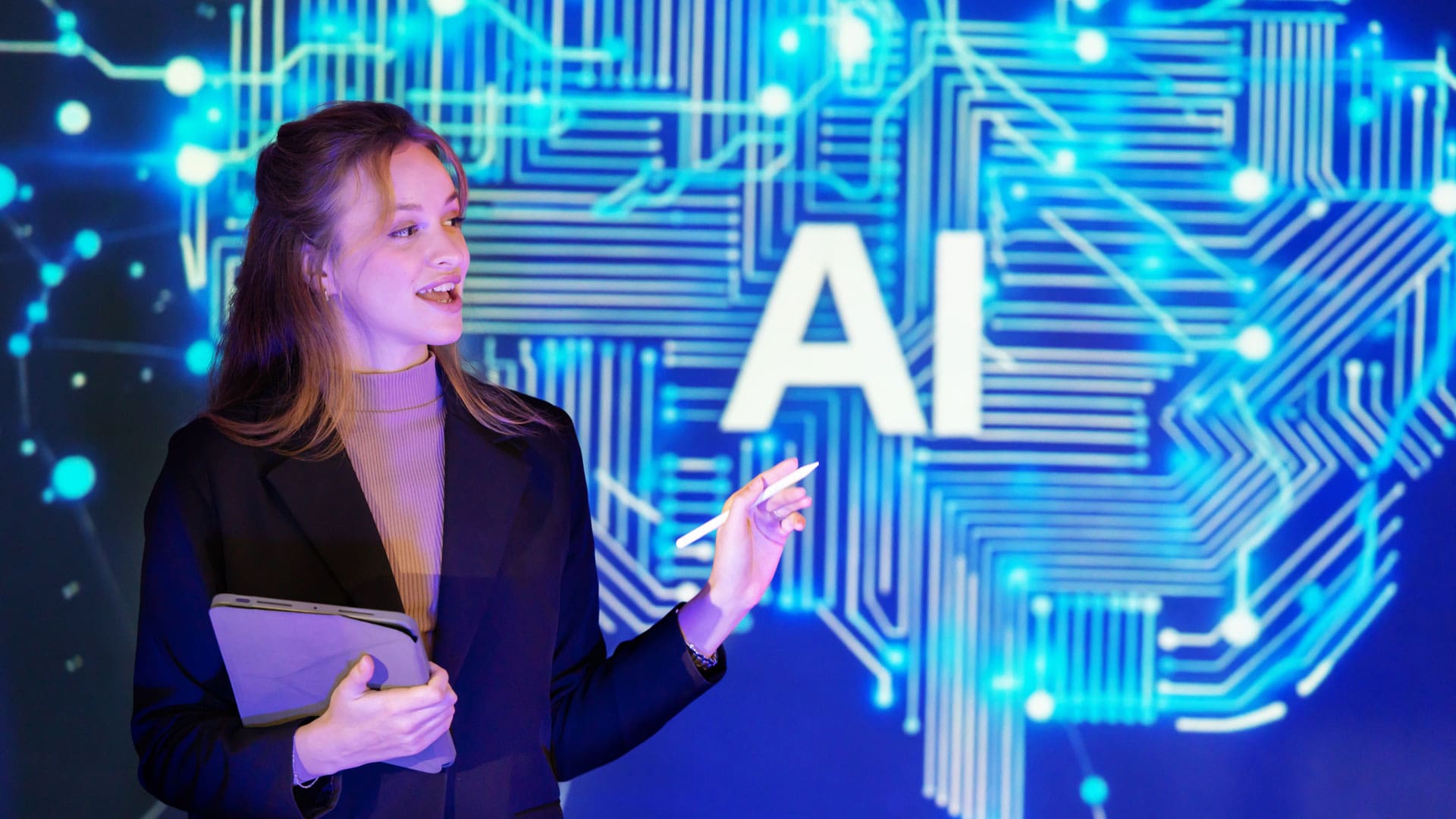
Vast, powerful, polarizing — artificial intelligence is the hottest topic across all industries and spheres of life.

But its applications in the events industry are practically endless, and the list of AI software is always growing, leaving many planners wondering which tools are right for them. AI newbies might be wondering just where to begin, while those who already dabble may be wondering how they can improve their results. Here’s what three experts had to say about using AI tools in event planning.
Which Tools
Many planners are already employing a broad arsenal of AI tools to assist them. While they’re frequently called things like “AI assistants” or “AI chatbots,” tools like ChatGPT, Claude, Gemini and others are large language models, or LLMs. In a nutshell, they’re statistical prediction engines that draw on a massive database to guess the next most likely word. This is how they generate a wide range of content. LLMs have many benefits, including their affordability and ease of use.
“I call ChatGPT, Claude and Perplexity my three assistants,” said Kimberly Roberts, event strategist and AI consultant at AI Strategic Results. “I use Perplexity for research because they always provide references. Claude is excellent for writing. ChatGPT is what I use a lot of for automation for planning events.”
As powerful as these LLMs are for planners, there are some AI tools that were specifically created for the events industry. These usually come at a higher price point, but they can also offer significant advantages.
“What I love about tools like Sparkit.ai is they’re specifically made for event and meeting planners,” said Sara Straw, head of corporate events at Kong. “It’s going to get down to the nitty-gritty. For instance, with menu planning, if you go into something like ChatGPT, it’s going to give you just very general information. You go into a tool that’s specific for event planners, it’s going to tell you about coffee breaks, p.m. breaks, how much time you should allot between sessions based on how many people are attending for a lunch.”
Beyond LLMs, many other existing platforms have adopted AI integrations to improve the user experience and allow planners to streamline their workload. That includes everything from design and marketing software to event-specific software like Cvent or Bizzabo.
“I am enjoying ChatGPT, but I’m also using Canva because they’ve also incorporated some AI tools,” said Sharia Barksdale, conference planner at Artemis ARC. “I have used Gemini with Google and Nano Banana, their image generation tool. I’ve also been using Otter, which I love for notes and transcription.”
Use Cases
AI can assist event organizers in virtually every stage of the planning process, from client-facing work, like proposals and contracts, to internal communication with one’s team and event components, like marketing and design. The trick is determining where it will be the most helpful.
Straw suggests planners evaluate their needs before deciding which tools to adopt.
“You want to know what specific tasks this is going to replace or accelerate,” she said. “Do you want to tailor your emails to different audiences or save 20% of your time on project planning?”
Communication is one area where many planners have adopted AI. If they feel bogged down by drafting client emails or Teams messages to their staff, they might find it saves them a significant amount of time and makes it easy to personalize messaging.
Logistically speaking, there’s a reason AI is often referred to as a personal assistant. It can be used for notetaking and automation of basic tasks like appointment scheduling. It can also be used to create checklists, project timelines and other key components of project management.
“I use AI to generate my timelines and my project plans,” Roberts said. “It can create your run of show, your on-site schedule and contingency plans.”
Straw echoes this function, emphasizing that AI can assist planners with keeping track of all a project’s tasks and deliverables.
“One event could have over 200-plus tasks from your pre-event marketing, promotion, sales enablement, to the logistics for on-site,” she said.

Barksdale added that it can also be used to create documents or templates that can be used across multiple events, such as Excel spreadsheets. She also highlighted ways it can be used to create visual assets for specific events.
“From a visual, selling-the-experience standpoint, I can take the images that the hotel or the venue provides, upload it into the system with the prompts and the parameters, and I can generate images of my program to then present to my client or the association to show them the level of experience they can expect,” she said.
However, there are some places where planners should only adopt AI with plenty of caution. For instance, while it can be used to create drafts of proposals or even legally binding contracts, it’s critical that the output should be double-checked.
“Anything that has legal or financial ramifications, I would always say to use the human eye because it’s so easy to forget that this is a tool, and it’s learning,” Barksdale said. “And be mindful of proprietary or trademark and copyrighted information that you share because everything that we put into these systems, we’re essentially teaching it across the software.”
Room for Improvement
While AI might seem like a miracle machine, its efficacy is largely determined by its operator. Like any tool, AI requires practice for mastery — the more planners use it, the more helpful they will find it.
One of the best ways to improve an LLM’s output is to learn how to create better prompts.
“Don’t write a prompt like you’re talking to a robot; write the prompt like you’re talking to a person,” Roberts said. “Tell AI what it is. For example, I have negotiated almost million-dollar contracts utilizing AI. And my prompt is, act as a successful hospitality attorney with over 30 years of success.”
Barksdale suggested asking the LLM to speak to itself.
“That’s been a game changer for me in learning how to generate prompts because the stronger your prompt, the stronger your results,” she said. “I like to ask it to create a prompt for itself. I’ll tell it to create a ChatGPT prompt and ask what questions it needs before it starts, and then you can tweak the prompt as you receive your responses.”
Planners can also create AI agents to improve output.
“I’ve created my own AI agents,” Roberts said. “There’s a variety that can build timelines, one that builds budgets, one that can plan an event from concept to completion, and one that can write viral social media hooks for like LinkedIn, social media for the company to promote various events.”
Straw said planners shouldn’t expect to spend an excessive amount of time creating these agents because they improve over time with use.
“Every time you use it, that AI tool learns more and more about what you like, what you’re doing, your company, your product, the types of events you do, that it just fine-tunes and gets even better,” she said. “No different than a human, right?”
Finally, education — both formal and informal — can be a great help to planners beginning to incorporate AI into their workflow. While organizations like MPI frequently offer educational courses or webinars on using AI, other planners can be an invaluable resource.
“I find value in finding a mentor that’s adapting AI into their everyday role who leads their team with AI,” Straw said. “It’s really just establishing a relationship with someone who has been doing it a long time and asking them one-on-one questions.”

Rachel Crick
Rachel Crick is the associate editor and project manager for The Group Travel Leader Inc. When she's not writing articles amidst her many plants, Rachel enjoys gardening, photography, and spending time with her family and cats, Misty and Jazz.
You May Also Like



About Us

We're Small Market Meetings, America's leading experts on planning meetings in smaller destinations. Find lots of articles and other free resources for growing in your career here.
The Latest Issue
Stay Connected!
Get the Meetings at a Glance e-newsletter twice a month.